
How Students Can Use Technology to Enhance Their Learning Experience
1. Access a World of Knowledge Online

The internet is a treasure trove of information. With platforms like Khan Academy, Coursera, and YouTube, students can learn almost anything for free. Need help with math? Want to understand a complex scientific theory? There's probably a video or tutorial online that explains it in simple terms. Websites like Wikipedia and educational blogs provide quick insights, but always ensure you're using reliable sources.
2. Use Educational Apps and Tools
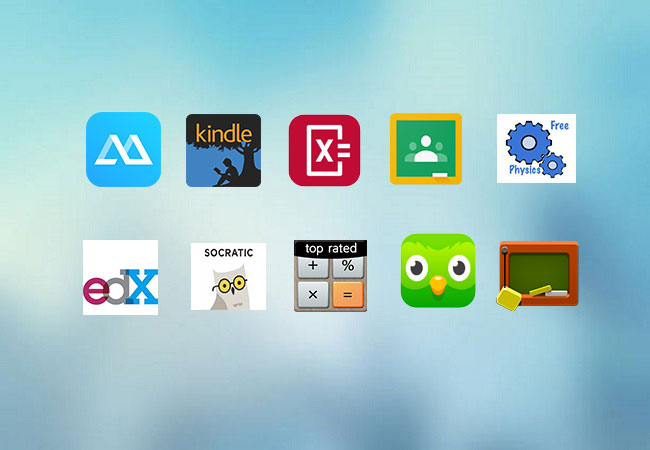
Educational apps can make learning fun and interactive. Apps like Quizlet allow you to create flashcards and test yourself. Duolingo is great for learning new languages, while Notion and Evernote help in organizing notes and assignments. Many of these tools are free or offer student discounts.
3. Embrace Online Courses
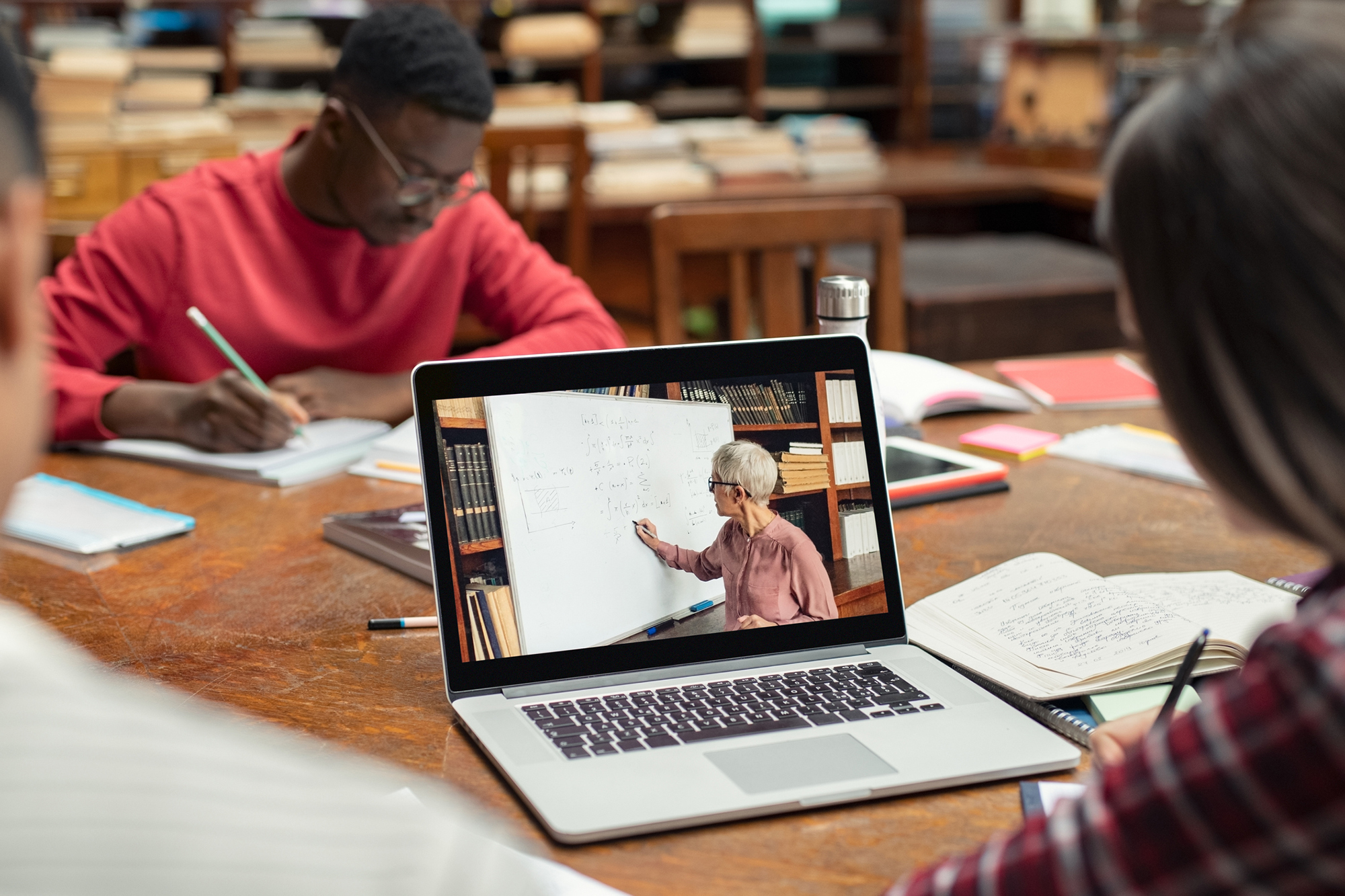
Online learning platforms like Udemy, edX, and LinkedIn Learning offer courses on almost every subject imaginable. These platforms allow you to learn at your own pace and often provide certificates that can enhance your resume. Whether it's coding, graphic design, or business management, there’s a course for everyone.
4. Collaborate With Others

Technology makes collaboration easier. Tools like Google Docs and Microsoft Teams allow students to work together on projects in real time, even if they're miles apart. Discussion forums, study groups on apps like Discord, and virtual classrooms ensure that learning isn’t limited to physical spaces.
5. Improve Time Management

Staying organized is key to academic success, and technology can help. Apps like Todoist, Trello, and Google Calendar can help you plan your day, set reminders, and track deadlines. They ensure that you never miss an assignment or exam.
6. Explore Interactive Learning

Gone are the days of boring textbooks. Interactive tools like virtual reality (VR) and augmented reality (AR) can make learning more immersive. For example, students can explore the solar system in 3D, take virtual museum tours, or even practice surgical techniques in a simulated environment.
7. Practice with Online Quizzes and Tests

Websites like Khan Academy, Codecademy, and practice platforms for standardized tests offer quizzes and assessments to test your knowledge. This helps students identify their strengths and areas that need improvement.
8. Learn Coding and Digital Skills

In today’s tech-driven world, coding is a valuable skill. Platforms like Scratch, Codecademy, and freeCodeCamp make it easy for students to learn programming languages like Python, Java, or HTML. These skills not only enhance learning but also prepare students for future careers.
9. Stay Updated With Digital Libraries

Many schools and universities now offer access to digital libraries. These platforms provide students with e-books, research papers, and academic journals. Tools like JSTOR, Google Scholar, and Project Gutenberg ensure students have access to high-quality academic material.
10. Manage Stress and Stay Healthy

Learning isn’t just about studying hard—it’s about taking care of yourself too. Apps like Calm and Headspace offer meditation and stress management techniques. Exercise tracking apps and mental health resources ensure students maintain a healthy balance between study and personal life.






0 Comments